If you're using QuickBooks Online, you've probably noticed that things have been changing quite regularly this year. Every few weeks, there seems to be another update, a new feature, or a change to the way something works.
Some of these improvements are genuinely useful. Others may take a little time to get used to. Either way, staying informed helps you make the most of your accounting system.
As a company that works closely with QuickBooks users in Sri Lanka, we've been following these updates carefully. Here's a simple overview of the most important changes introduced in QuickBooks Online during 2026 and what they could mean for your business.
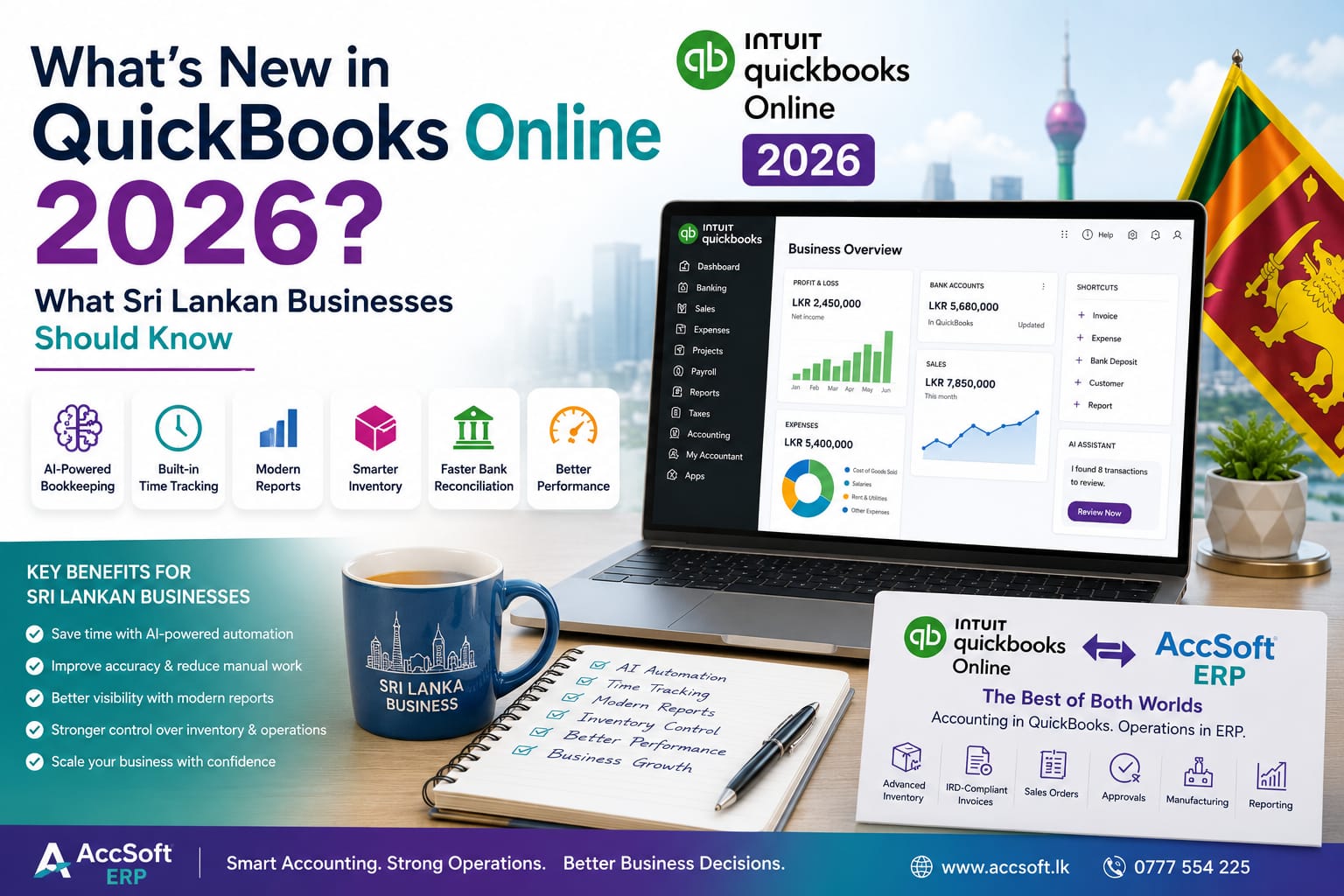
1. Artificial Intelligence is Becoming a Bigger Part of QuickBooks
One of the biggest changes this year is Intuit's continued investment in Artificial Intelligence (AI).
QuickBooks Online now uses AI in several areas, including:
- Smarter bank transaction categorisation
- Faster bank reconciliation
- Intelligent suggestions when entering transactions
- AI-powered assistance for accountants and bookkeepers
- Improved collaboration between business owners and accountants
The idea is simple: reduce repetitive work and help users complete their bookkeeping faster.
For many businesses, these features will save time. However, they should still be treated as suggestions rather than replacements for proper accounting review. Sri Lankan tax requirements, VAT and RAMIS reporting and company-specific accounting policies still require human judgement. If RAMIS reporting is a concern for your team, see our guide on RAMIS submission and employee TIN requirements in Sri Lanka.
2. Time Tracking is Now Built into QuickBooks
Previously, many businesses had to switch between QuickBooks Online and QuickBooks Time.
Now the time-tracking features are integrated directly into QuickBooks Online, making it much easier to:
- Record employee working hours
- Approve timesheets
- Manage schedules
- Connect time records with payroll
Businesses with field staff or project-based employees will appreciate this improvement.
3. Modern Reports Have Replaced Classic Reports
Another major change affects reporting. QuickBooks has completed the transition from Classic Reports to Modern Reports.
The new reports offer:
- Faster loading
- Cleaner presentation
- Better filtering
- Improved drill-down capabilities
- More consistent layouts
Although the reports are more powerful, many long-time users will notice that the interface looks different. It may take a little time to become familiar with the new layouts.
4. Inventory Management Continues to Improve
Inventory users have also received several enhancements during 2026. Updates include improvements to inventory workflows, better inventory management capabilities and additional options for businesses using inventory add-ons.
These improvements make QuickBooks more capable than before. However, businesses requiring advanced inventory features such as:
- Serial number tracking
- Warranty tracking
- Batch control
- Expiry date management
- Manufacturing
- Multi-level approvals
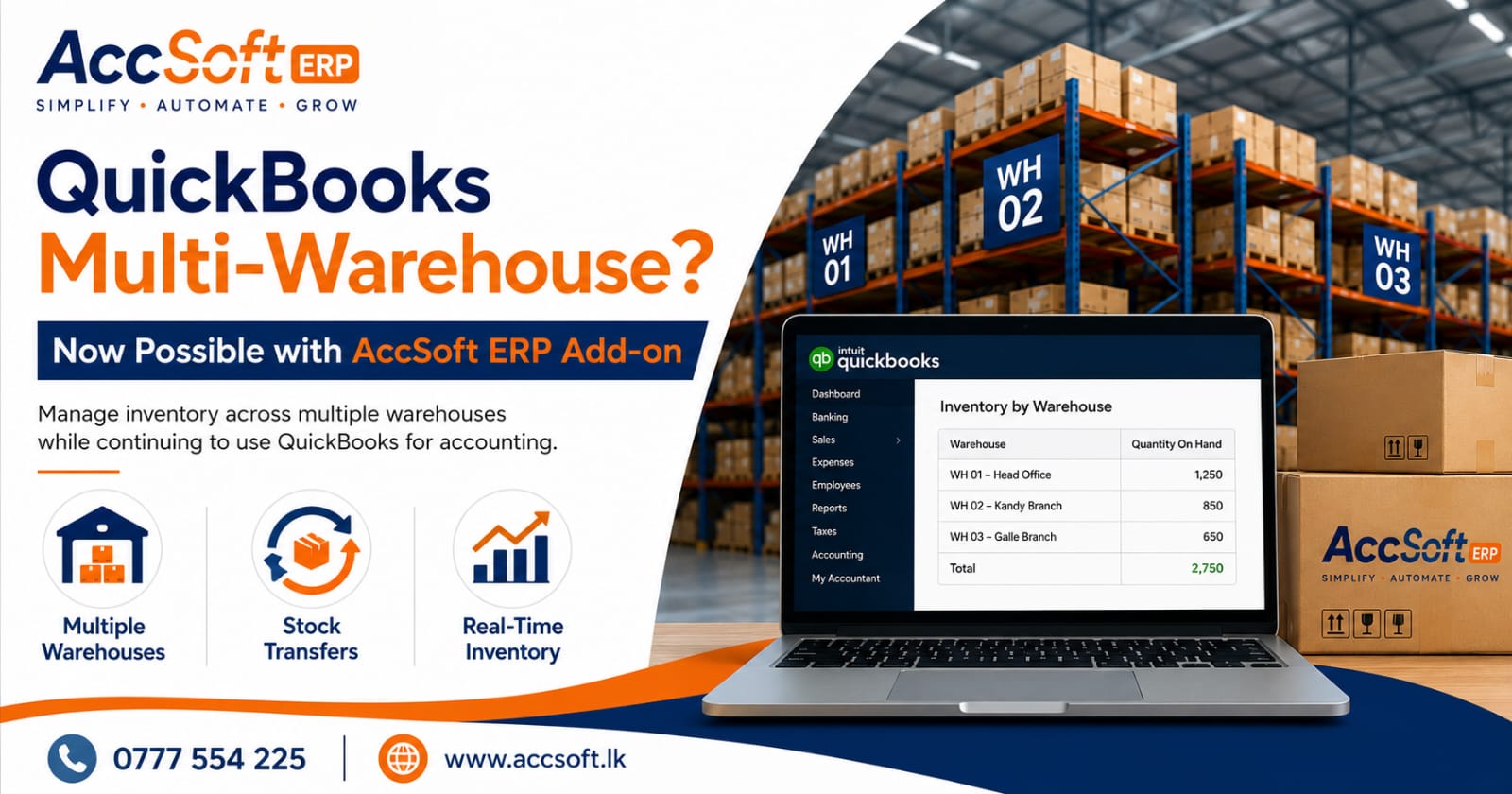
may still require a specialised ERP solution alongside QuickBooks. If you manage stock across branches, our guide on multi-warehouse inventory for QuickBooks explains one popular option.
5. Faster Bank Reconciliation
Reconciling bank transactions has become easier. QuickBooks now uses AI to identify transactions that may need your attention while improving the matching process.
For businesses with hundreds of monthly bank transactions, these enhancements can save a considerable amount of bookkeeping time.
6. Better Performance
Many users have reported that QuickBooks Online now feels faster. Recent improvements include:
- Faster loading screens
- Better report performance
- Improved processing of large datasets
- Smoother overall navigation
Performance improvements are always welcome, especially for businesses handling large volumes of transactions.
What Does This Mean for Sri Lankan Businesses?
Overall, the 2026 updates show that Intuit continues to invest heavily in QuickBooks Online. If your business mainly requires accounting, invoicing and financial reporting, these improvements are certainly positive.
However, many Sri Lankan businesses eventually need much more than accounting software. For example, they may also require:
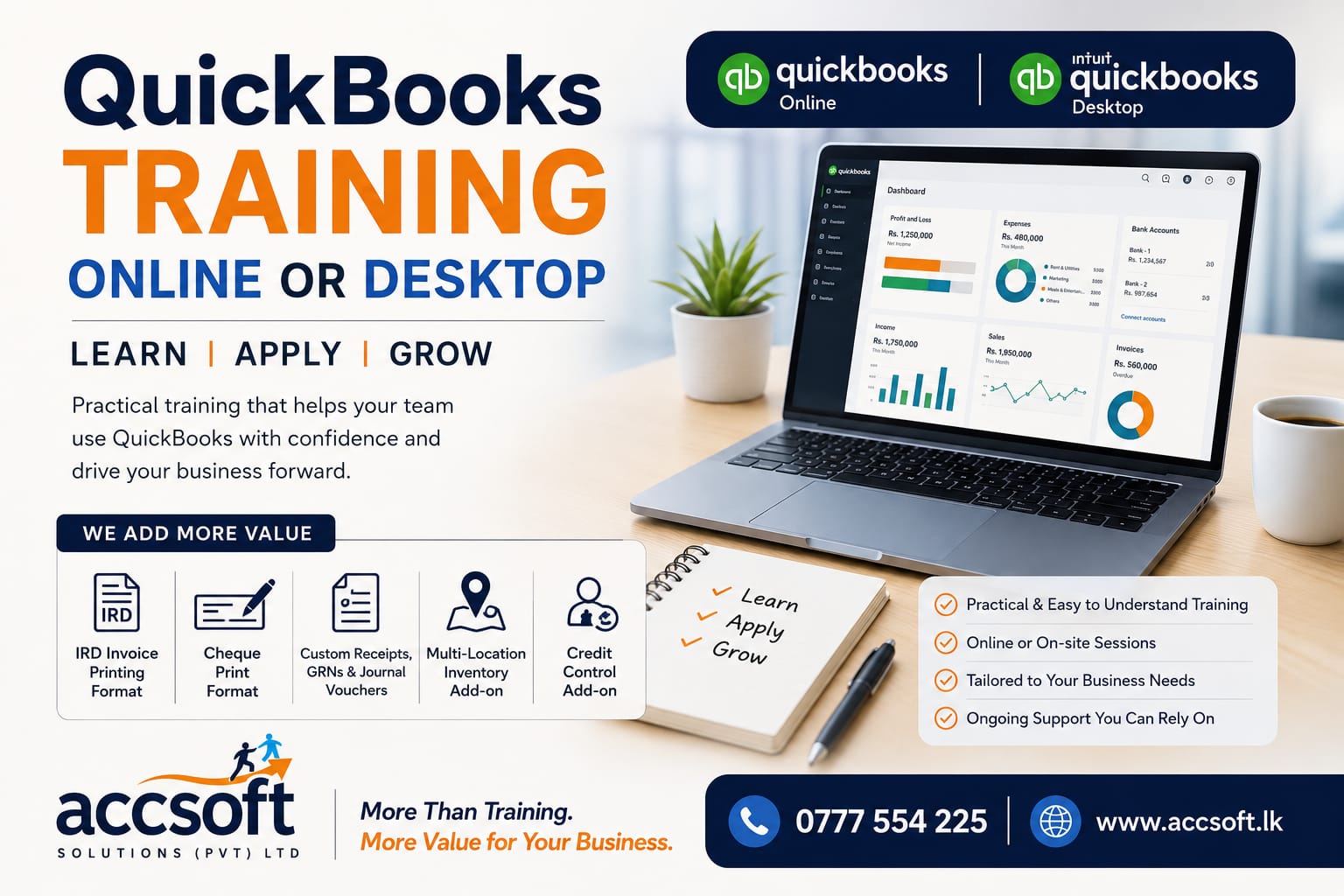
- IRD-compliant invoice printing
- Advanced inventory control
- Serial number tracking
- Warranty management
- Manufacturing processes
- Workshop management
- Approval workflows
- RAMIS-related reporting
- Multi-location inventory
- Integration with operational departments
These are areas where businesses often look for an ERP solution that works together with QuickBooks rather than replacing it.
The Best of Both Worlds
Many businesses think they have only two choices:
- Continue using QuickBooks.
- Replace QuickBooks completely.
In reality, there is a third option. Businesses can continue using QuickBooks Online for accounting while extending its capabilities with an ERP solution.
For example, AccSoft ERP can integrate with QuickBooks Online to provide:
- Advanced inventory management
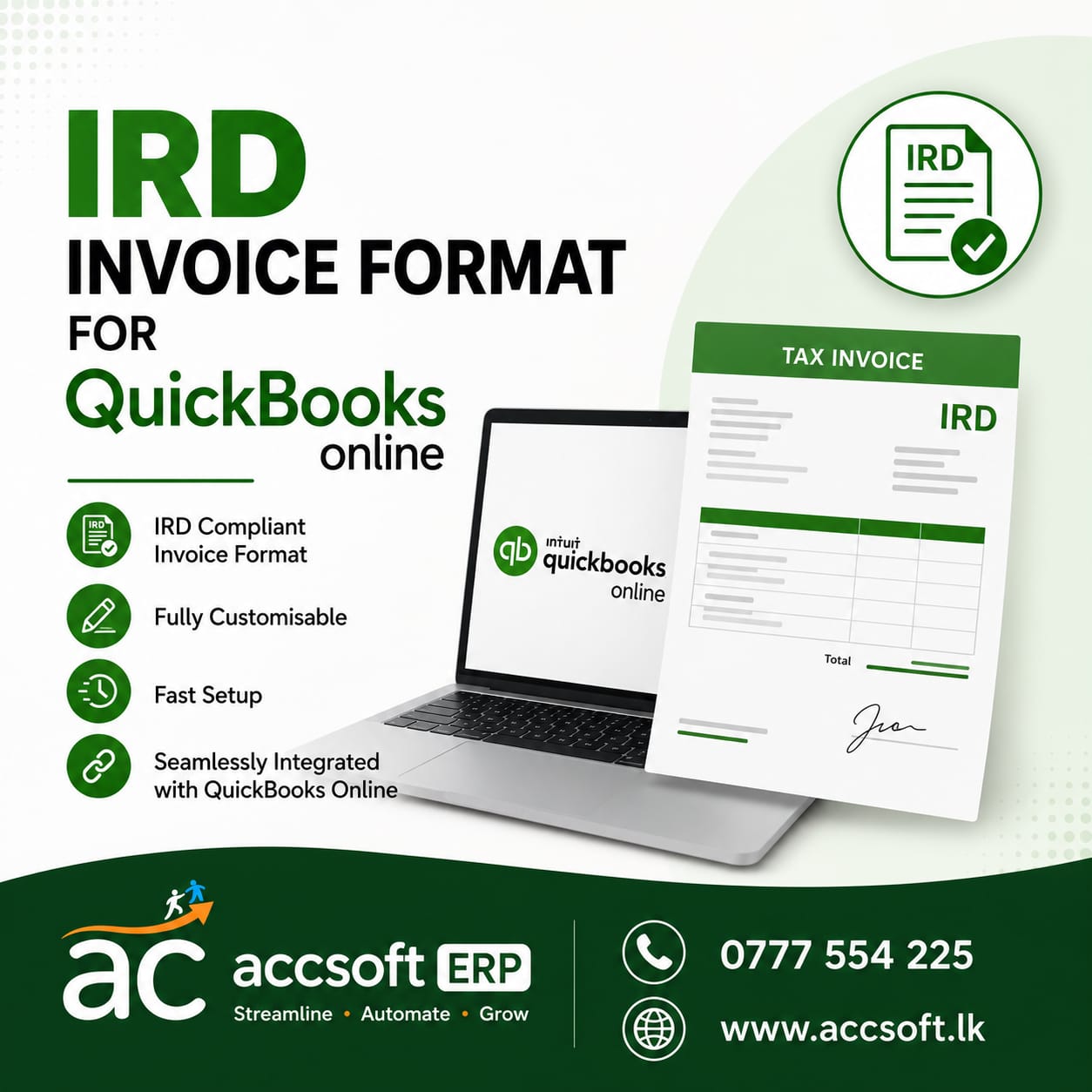
- IRD-compliant invoice printing
- Sales order processing
- Approval workflows
- Manufacturing functions
- Workshop management
- Operational reporting
Approved transactions can then be posted directly to QuickBooks Online, allowing businesses to continue using the accounting platform they already know while gaining the operational features they need. Our guide on upgrading from QuickBooks to AccSoft ERP explains how the transition works.
Final Thoughts
QuickBooks Online continues to evolve, and 2026 has already brought some meaningful improvements. AI-powered bookkeeping, integrated time tracking, better reports and improved inventory features all make QuickBooks Online more capable than ever before.
For Sri Lankan businesses, these updates are certainly worth exploring.
At the same time, every business eventually reaches a point where accounting software alone is no longer enough. When that happens, adding the right ERP solution can provide the operational control needed without giving up the familiarity of QuickBooks Online.
Frequently Asked Questions
What are the biggest new features in QuickBooks Online for 2026?
The biggest updates include AI-powered bookkeeping assistance, integrated time tracking, Modern Reports, improved bank reconciliation, better inventory workflows, and faster overall performance.
Do I need to upgrade to receive the 2026 features?
QuickBooks Online is cloud-based, so most new features are automatically made available to users. However, some features may depend on your subscription plan or your region.
Are the new AI features completely automatic?
No. The AI features are designed to help by suggesting categories, identifying possible issues, and reducing manual work. You should still review transactions before finalising your accounts.
Will the 2026 updates affect my existing QuickBooks data?
No. Your existing company data remains intact. Most updates improve functionality or introduce new features without changing your historical records.
What happened to Classic Reports?
QuickBooks has moved to Modern Reports, which provide improved layouts, better filtering, faster performance, and enhanced drill-down capabilities.
Is QuickBooks Online suitable for growing businesses in Sri Lanka?
QuickBooks Online is an excellent accounting solution for many businesses. As a business grows, additional operational requirements such as advanced inventory, manufacturing, approvals, and workflow management may require an ERP solution.
Can QuickBooks Online handle advanced inventory management?
QuickBooks Online offers inventory features, but businesses needing serial number tracking, warranty tracking, batch management, expiry date control, or manufacturing may require additional ERP functionality.
Can I continue using QuickBooks Online together with an ERP system?
Yes. Many businesses choose to keep QuickBooks Online for accounting while using an ERP system for operational functions such as inventory, sales, manufacturing, purchasing, and approvals.
Can AccSoft ERP integrate with QuickBooks Online?
Yes. AccSoft ERP can integrate with QuickBooks Online, allowing operational transactions to be managed in the ERP while approved accounting entries are posted to QuickBooks Online.
Does AccSoft ERP support IRD-compliant invoice printing?
Yes. AccSoft ERP supports IRD-compliant invoice printing and can help businesses meet Sri Lankan invoicing requirements while continuing to use QuickBooks Online for accounting.
Get the Best of Both Worlds
Keep QuickBooks Online for accounting and add AccSoft ERP for advanced inventory, IRD-compliant invoicing, manufacturing and approvals — with approved entries posted straight to QuickBooks. Call 0777 554 225 or request a free demonstration today.