When many businesses first start using QuickBooks, one warehouse is usually enough. Everything comes in, everything goes out, and stock is easy to manage.
But as the business grows, things start to change.
A second branch opens. A warehouse is rented in another town. Stock is kept at the head office while another quantity sits in a showroom. Suddenly, a simple inventory system isn't enough anymore.
This is a conversation we've had with many businesses over the years. The accounting side of QuickBooks continues to work well, but the inventory side starts becoming difficult because the business has grown beyond a single location.
Growth Creates New Challenges
Expanding to multiple locations is a good sign. It means your business is growing. But it also raises new questions.
- How much stock is available at each branch?
- Which warehouse supplied a particular customer?
- Can stock be transferred between locations?
- Which branch is running low?
- How do you stop selling stock that belongs to another warehouse?
Many businesses end up keeping these details in Excel sheets alongside QuickBooks. At first, it seems manageable. After a few months, it usually becomes confusing.
There Is a Better Way
Instead of replacing QuickBooks completely, many businesses prefer to keep using it for accounting while adding the extra functionality they actually need.
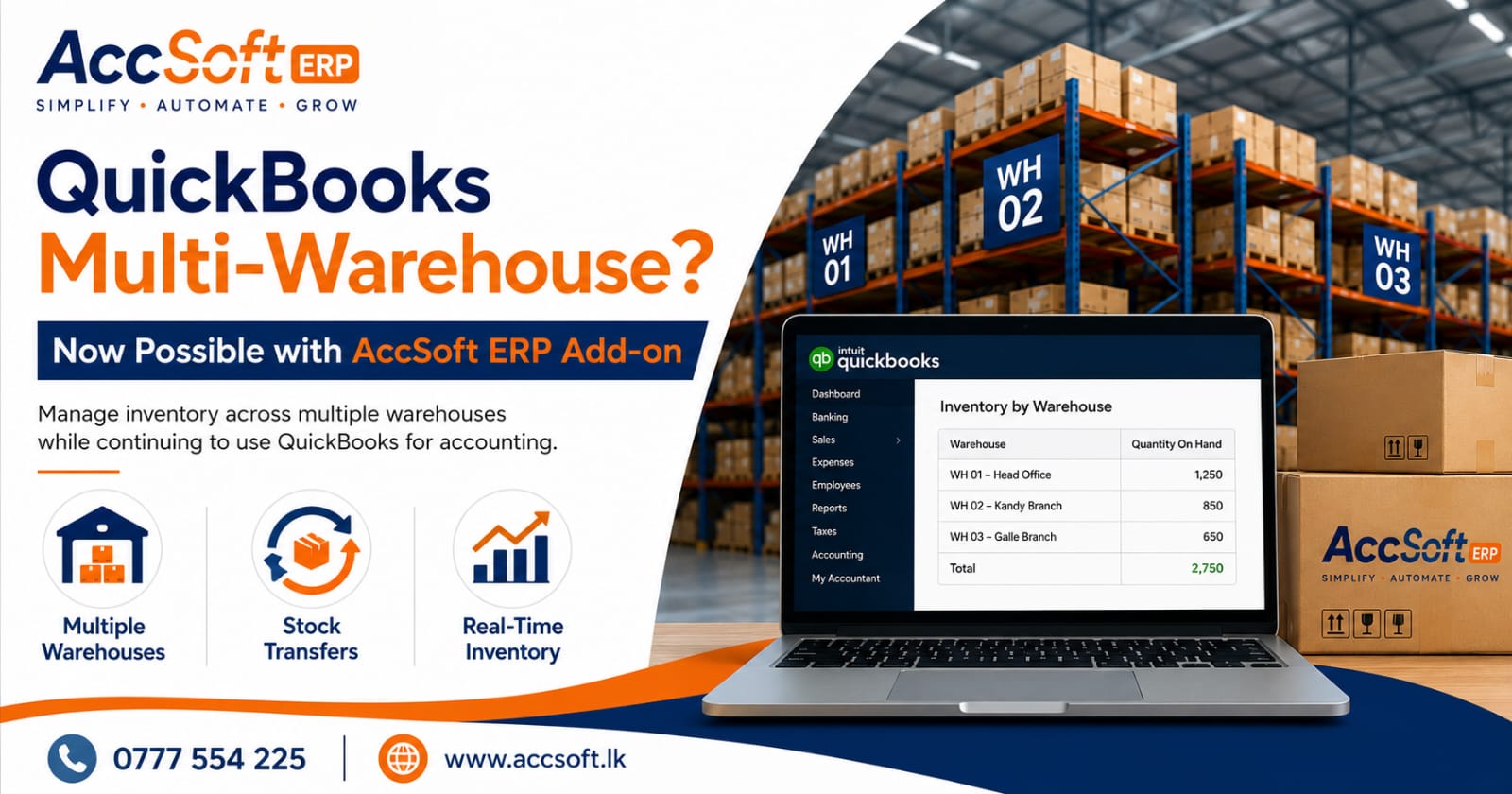
That's exactly why we developed the AccSoft ERP Multi-Warehouse Add-on for QuickBooks. It works alongside QuickBooks and gives businesses the ability to manage inventory across multiple locations while continuing to use the accounting features they are already familiar with. If you'd like the wider picture, see our guide on QuickBooks Online customization for Sri Lankan businesses.
What the Add-on Can Do
With the AccSoft ERP Add-on, businesses can:
- Manage stock in multiple warehouses or branches.
- View stock balances by location.
- Transfer inventory between warehouses.
- Track inventory movements.
- Reduce manual stock records.
- Improve stock visibility across the business.
Instead of guessing where stock is available, your team can see the information in one system.
No Need to Change Your Accounting Software
One thing we often hear is: "We like QuickBooks. We just need better inventory control."
That's exactly the problem this add-on solves. You don't have to start again with a new accounting system. You continue using QuickBooks while extending its capabilities with features designed for growing Sri Lankan businesses.
More Than Multi-Warehouse
Many of our customers start with the Multi-Warehouse Add-on and later add other tools that make their work easier. These include:
- IRD-compliant invoice printing
- Custom invoice layouts
- Cheque printing for Sri Lankan banks
- Receipt printing
- Goods Received Note (GRN) printing
- Custom journal vouchers
- Credit Control
- Other business-specific customizations
Because every business is different, these add-ons can be tailored to suit the way your company operates. For invoicing specifically, see our guide on IRD-compliant invoicing in Sri Lanka.
Built for Sri Lankan Businesses
Our QuickBooks Add-ons have been developed with local business requirements in mind. They're easy to use, quick to implement, and designed to integrate seamlessly with QuickBooks. Most businesses can be up and running in a short time, without disrupting their daily operations.
Final Thought
One thing we've learned is that businesses rarely outgrow QuickBooks overnight. What they usually outgrow is the manual work around it.
If your team is using spreadsheets to track stock in different branches, updating warehouse balances manually, or spending time reconciling inventory between locations, it may be time to simplify the process. When the time comes for a full system, our AccSoft ERP is the natural next step — see our guide on upgrading from QuickBooks to AccSoft ERP.
Frequently Asked Questions
Can QuickBooks manage multiple warehouses?
QuickBooks is excellent for accounting, but businesses that operate with several warehouses or branches often need additional inventory features. An integrated add-on can provide better visibility and control over stock held at different locations.
What is the AccSoft ERP Multi-Warehouse Add-on?
It is an add-on that works alongside QuickBooks and helps businesses manage inventory across multiple warehouses or branches while continuing to use QuickBooks for accounting.
Can I see stock available in each warehouse separately?
Yes. The add-on allows you to view inventory by warehouse, making it easy to know exactly where your stock is located.
Can stock be transferred between warehouses?
Yes. Stock transfers between warehouses can be recorded and tracked, helping maintain accurate inventory balances.
Do I have to replace QuickBooks?
No. The idea is to extend QuickBooks, not replace it. You continue using QuickBooks while adding the inventory features your business needs.
Is this suitable for businesses with several branches?
Yes. It's ideal for wholesalers, distributors, retailers, manufacturers, and businesses operating from multiple branches or warehouses.
Will my accounting data remain in QuickBooks?
Yes. Your accounting continues in QuickBooks. The AccSoft ERP Add-on integrates seamlessly with it.
Does the add-on include IRD-compliant invoice printing?
Yes. We can provide customizable invoice formats that comply with Sri Lankan IRD requirements, along with receipts, cheque printing, GRNs, and journal vouchers.
How long does implementation take?
Most installations are completed quickly, and customizations can usually be carried out in a short time depending on your requirements.
Who should consider this solution?
If you're using QuickBooks but managing inventory across multiple locations with spreadsheets or manual records, this solution is worth considering.
Get Multi-Warehouse Inventory in QuickBooks
The AccSoft ERP Multi-Warehouse Add-on lets Sri Lankan businesses manage stock across multiple locations while keeping QuickBooks for accounting. Call 0777 554 225 or request a free demonstration today.